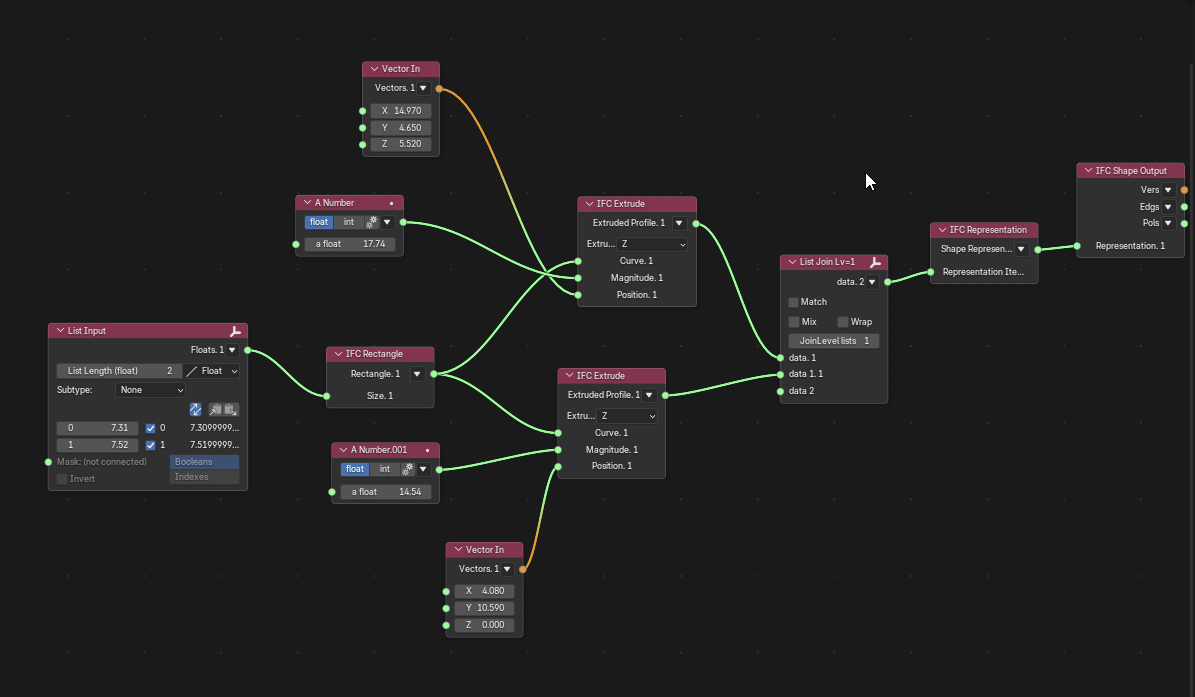
Demo - https://files.catbox.moe/extsxf.mp4

But now it requires ifcsverchok graph to be nested inside a subgroup because we need a way to indicate which graph parameters are important, so user can modify them from Parametric Geometry tab without actually explicitly opening sverchok graph.
This reverts commit 96fe9b5398.

This commit contains a logical error where hide_viewport is checked in
the if statement but hide_set() is used as the effect. This causes a
regression in tests about project visibility. `hide_viewport` is the
correct hiding setting to use, because hide_set is more ephemeral and
affected by Shift-H, Alt-H etc.
Previously, when the add occurrence modal operator was executed, on
every modal loop (i.e. every mouse movement) it would fetch the mesh
geometry to be previewed, store the verts / edges / faces in mesh
collections, then the decorator would fetch that geometry, the clear the
collections, in a loop.

I've removed the Blender collections. Instead the same strategy is used
as in ItemDecorator i.e. the mesh and verts are fetched once during
decorator installation, then on each draw call only a single vertex loop
to multiply by the transformation matrix for snapping and mouse
position.

You can test with the LOD400 model in #7566. On my machine it would
cause lag on anything with >500 faces. Now it seems to work without lag
on a 26k polygon mesh.
Although it is a very cool trick, I feel this essentially duplicates the
UI in two spots, and is an outlier in UX. I'd prefer for all IFC data
and relationships to be in one location only (the panels). I think there
are a better unified solutions (e.g. favourite bookmark panels) for
quick access for things like this.
To be consistent with all other settings, I've moved the visibility
config UI from inline into the add-on settings. This restores the
previous tab layout and no longer needs the "settings" icons to be
there. This also removes the need for a "enable UI config" checkbox.

Most of the code previously had dedicated operators to toggle booleans.
This has been removed. This new approach also means helpers aren't
needed.
Previously calculation of visibility was done on every draw (3x 10tabs x
10 collection items). The data class is intended to calculate UI data
once only which is more efficient. This also removes all helper calls
from the UI.
When assigning a container to an aggregated element, automatically promote
the operation to the root aggregate and move all nested parts to the
container's collection in the Blender outliner.

Changes:
- AssignContainer now traverses the aggregate hierarchy to find the root
  aggregate when a user selects any nested part
- All parts and sub-aggregates are moved to the container's collection in
  the outliner while preserving IFC aggregate relationships
- Parts remain aggregated in IFC (not directly contained), only their
  Blender collection membership changes
- RefreshLinkedAggregate now also moves all parts to the correct container
  collection when restoring original data

This provides a more intuitive UX - users can select any part and the entire
assembly moves together, properly organized under the spatial container.

Fixes the previous behavior where:
- Aggregated elements were skipped with a warning
- Parts weren't organized under the container in the outliner
- Aggregate nesting was broken after container assignment
- Auto-include all parts when duplicating aggregates
- Preserve nested aggregate relationships during duplication
- Select all duplicated objects for immediate moving
 Andrej730